
Why a Power Strip Isn't Enough: The Case for Whole-Home Surge Protection
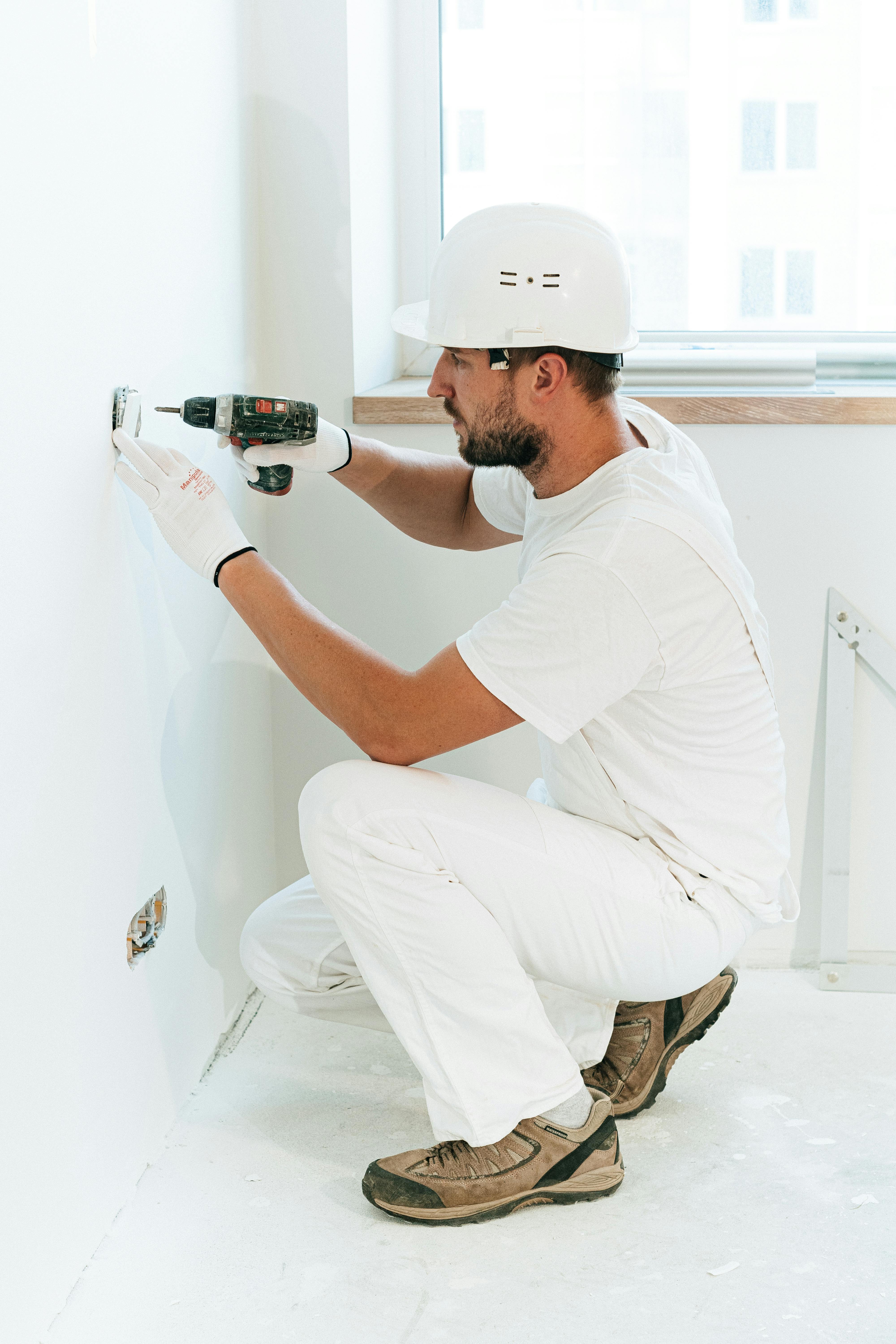
Best Whole-House Surge Protector for Home Electronics
Your home is full of sensitive electronics - computers, TVs, smart devices, appliances with circuit boards. A single power surge can destroy thousands of dollars in equipment in milliseconds.
What Is a Power Surge?
A power surge is a spike in voltage that exceeds the normal 120V your home receives.
Common surge sources:
- Lightning strikes (direct or nearby)
- Utility grid switching
- Downed power lines
- Large appliances cycling (AC, refrigerator)
- Power restoration after outages
Surge statistics:
- Average home: 20+ surges per day
- Lightning causes only 20% of damaging surges
- 80% come from inside your home or utility grid
Why Power Strips Aren't Enough
Limitations of Point-of-Use Protectors:
Only protect what's plugged in:
- Hardwired appliances unprotected
- HVAC system exposed
- Garage door opener vulnerable
- Smoke detectors at risk
Limited joule capacity:
- Most absorb 600-3,000 joules
- Single surge can exceed this
- No protection after capacity depleted
- No indicator they've stopped working
Don't stop large surges:
- Lightning can be 100,000+ joules
- Power strip may shunt some, let rest through
- Connected equipment still damaged
No whole-home protection:
- Every outlet needs its own strip
- Expensive and inconvenient
- Doesn't protect the wiring itself
Whole-House Surge Protection
How It Works:
A whole-house surge protector installs at your electrical panel and monitors all incoming power:
1. Detection: Senses voltage spike
2. Diversion: Shunts excess voltage to ground
3. Clamping: Limits voltage reaching your home
4. Protection: All circuits protected simultaneously
Benefits:
Complete coverage:
- Every outlet in your home
- All hardwired appliances
- HVAC system
- Garage door, doorbell, etc.
First line of defense:
- Stops surges at the source
- Protects wiring in walls
- Reduces stress on point-of-use protectors
Higher capacity:
- 40,000-80,000 joule capacity typical
- Handles larger surges
- Longer lasting protection
Always working:
- No need to plug things in
- Automatic protection
- Indicator light shows status
Types of Whole-House Surge Protectors
Type 1: Service Entrance (Meter Base)
Location: Between meter and panel
Protection: First line, before power enters home
Installation: Utility may need involvement
Cost: $200-400 + installation
Type 2: Main Panel
Location: Inside or beside electrical panel
Protection: Main protection point for home
Installation: Professional required
Cost: $150-300 + installation
Most common for residential
Type 3: Point of Use (Enhanced)
Location: At individual outlets
Protection: Additional protection for sensitive equipment
Cost: $50-150 each
Best used with Type 2
Recommended Protection Strategy
Layered Approach (Best Protection):
Layer 1: Whole-house (Type 2)
- Installed at main panel
- Stops 80%+ of surges
- Protects everything
Layer 2: Point-of-use strips
- For computers and home entertainment
- Provides additional clamping
- Offers connected equipment warranty
Layer 3: UPS for critical equipment
- Computers and networking equipment
- Provides battery backup too
- Conditions power for sensitive electronics
For Most Homes:
At minimum, install a whole-house Type 2 surge protector. Add point-of-use protection for your most valuable electronics.
What to Look for in a Surge Protector
Whole-House (Type 2):
Specifications:
- Surge capacity: 40,000+ joules
- Clamping voltage: 400V or less
- Response time: <1 nanosecond
- LED indicator: Shows protection status
- Warranty: Connected equipment coverage
Recommended brands:
- Eaton
- Siemens
- Square D
- Leviton
- Intermatic
Point-of-Use:
Specifications:
- Surge capacity: 2,000+ joules
- Clamping voltage: 400V or less
- Response time: <1 nanosecond
- UL 1449 listed: Safety certified
- Indicator lights: Protection and ground status
- Connected equipment warranty: Manufacturer guarantees
Installation Cost in Brooklyn
Whole-House Surge Protector:
Device: $150-400
Installation: $150-300
Total: $300-700
Includes:
- Quality surge protector
- Professional installation
- Proper grounding verification
- Testing
When to Add During Other Work:
If you're having a panel upgrade or other electrical work, adding surge protection is cheaper:
- Device only
- Minimal additional labor
- Best time to add
Is It Worth It?
Cost of NOT Having Protection:
| Item | Replacement Cost |
|------|-----------------|
| TV | $500-2,000 |
| Computer | $800-2,000 |
| Refrigerator control board | $200-500 |
| HVAC control board | $300-800 |
| Washer/dryer electronics | $200-400 |
| Garage door opener | $150-300 |
| Smart home hub | $100-300 |
Single surge can cost: $1,000-5,000+
Whole-house protection cost: $300-700
Math is clear. Protection pays for itself after one prevented surge.
Electrical Safety in Brooklyn
Brooklyn's electrical infrastructure creates surge risks:
Older grid: More frequent utility surges
Summer storms: Lightning common
Dense population: Grid switching more frequent
Old wiring: Less natural protection
Whole-house surge protection is especially important in older Brooklyn homes.
Get Protected Today
Jetco installs whole-house surge protectors throughout Brooklyn:
✓ Quality products from trusted brands
✓ Professional installation
✓ Proper grounding verification
✓ Lifetime equipment protection
Don't wait for a surge to destroy your electronics.
Call: (667) 455-6368