Smart Home Installation in Brooklyn: Transform Your Home with Automation
Smart Home Automation for Brooklyn Homeowners
Transform your Brooklyn brownstone, apartment, or home into a modern smart home with professional electrical installation that ensures reliability and seamless integration.
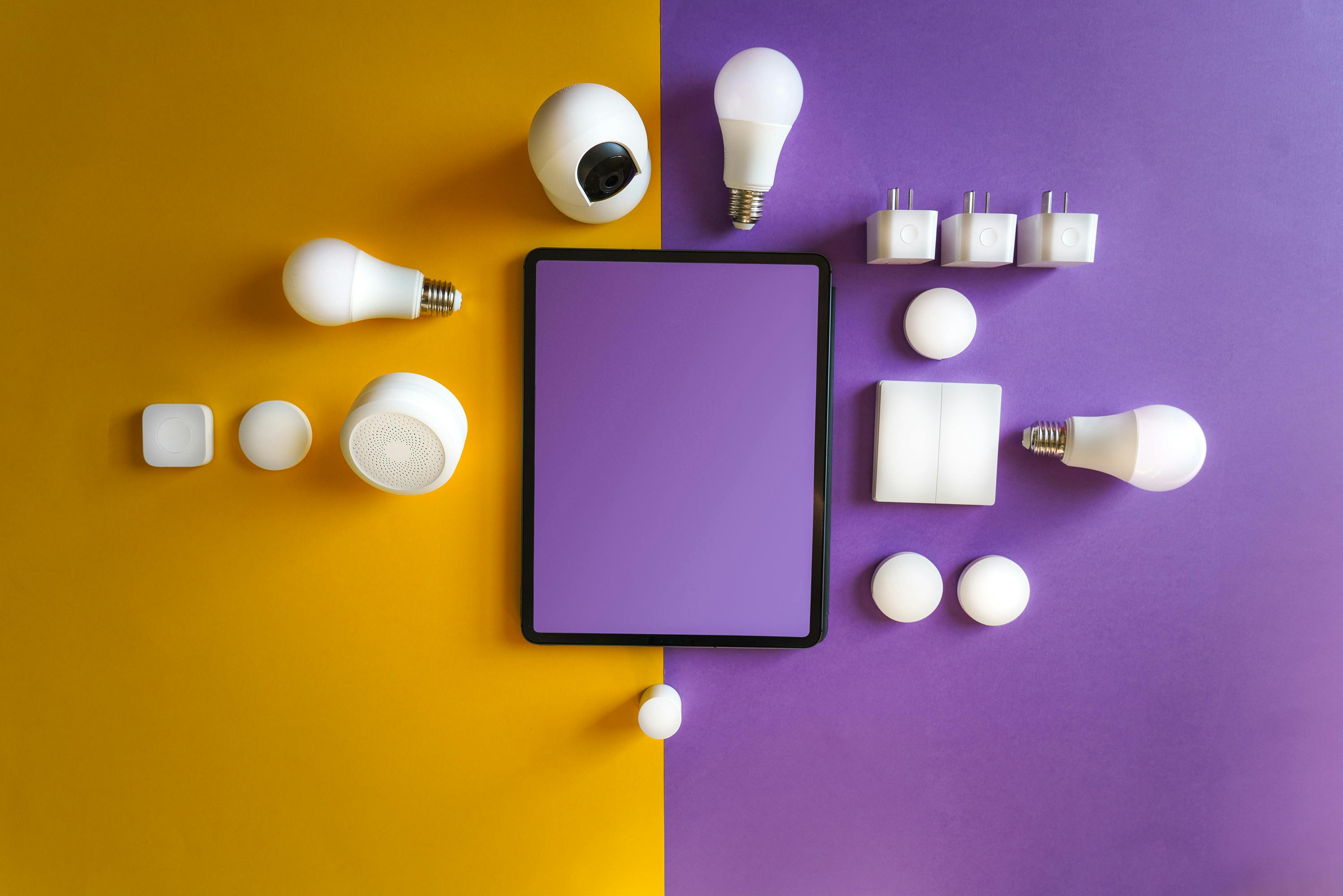
Popular Smart Home Upgrades
Smart Lighting
Control your lights from anywhere:
- Smart switches: Replace existing switches
- Smart bulbs: Easiest entry point
- Smart dimmers: Set the perfect mood
- Motion sensors: Automatic lighting
Benefits:
- Control lights remotely
- Set schedules and scenes
- Reduce energy usage by 20-30%
- Increase home security (vacation mode)
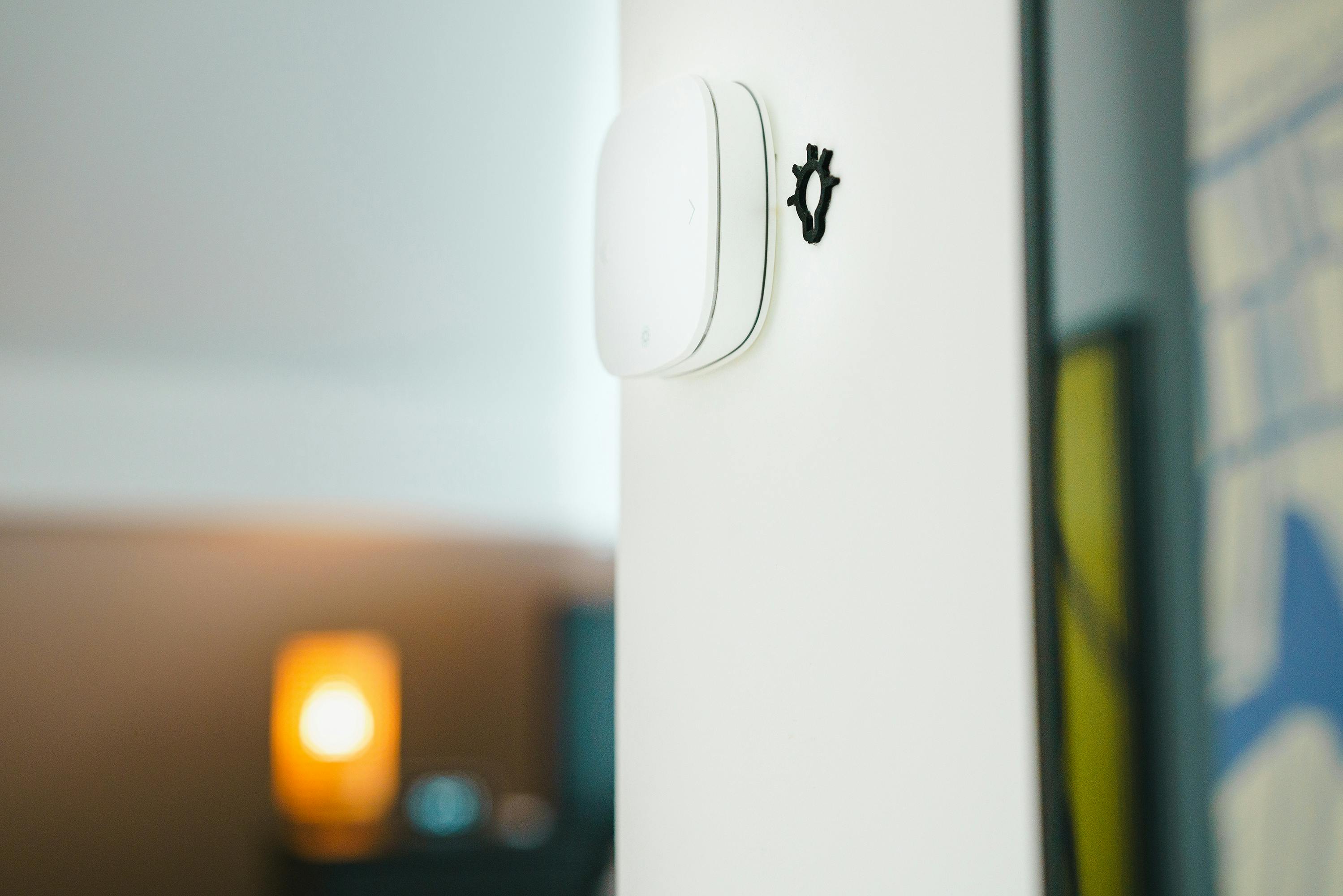
Smart Thermostats
Save money while staying comfortable:
- Nest Learning Thermostat
- Ecobee Smart Thermostat
- Honeywell Home T6
Average savings: $150-200/year on heating and cooling
Smart Security
Protect your Brooklyn home:
- Video doorbells (Ring, Nest)
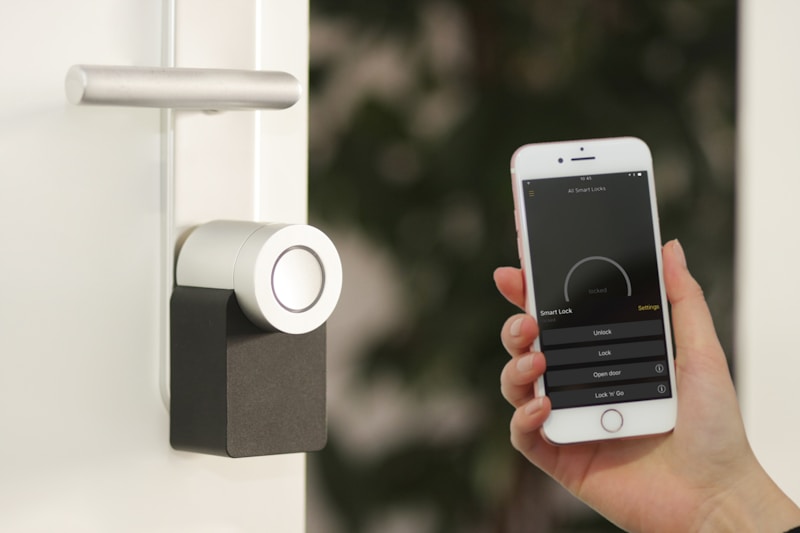
- Smart locks (August, Schlage)
- Security cameras (indoor/outdoor)
- Smart smoke/CO detectors
Voice Control Integration
Connect everything with:
- Amazon Alexa
- Google Home
- Apple HomeKit
Why Professional Installation Matters
DIY Risks
- Incorrect wiring can cause fires
- Improper installation voids warranties
- Smart switches often require neutral wire
- Integration issues between devices
Professional Benefits
✓ Proper electrical connections
✓ Neutral wire installation if needed
✓ Optimal device placement
✓ Full system integration
✓ Training on how to use everything
Smart Home Installation Costs
Smart Lighting (per room)
- Smart switches: $100-200 installed
- Smart dimmers: $120-250 installed
- Whole-home package: $1,500-3,500
Smart Thermostats
- Device + installation: $350-500
- Additional zones: $200-400 each
Smart Security
- Video doorbell: $200-400 installed
- Smart lock: $300-500 installed
- Camera system: $500-2,000+
Whole Home Packages
- Basic smart home: $2,000-4,000
- Mid-range: $4,000-8,000
- Premium: $10,000+
Brooklyn-Specific Considerations
Brownstone Challenges
- Thick walls may affect WiFi
- Consider mesh WiFi network
- Strategic device placement important
Pre-War Buildings
- Often lack neutral wires
- May need electrical updates
- Plaster walls require careful installation
Apartments & Condos
- Check with building management
- Consider renter-friendly options
- Wireless solutions often preferred
WiFi Infrastructure
- Strong WiFi essential for smart home
- Consider dedicated IoT network
- Mesh systems recommended for larger homes
Getting Started with Smart Home
Phase 1: Foundation
1. Upgrade to reliable WiFi
2. Install smart hub (if needed)
3. Start with one room or system
Phase 2: Core Systems
1. Smart lighting throughout
2. Smart thermostat
3. Voice assistant integration
Phase 3: Advanced Features
1. Smart security system
2. Automated routines
3. Energy monitoring
Our Smart Home Installation Process
1. Consultation (Free)
- Discuss your goals
- Assess current electrical system
- Recommend solutions within budget
2. Design
- Create smart home plan
- Select compatible devices
- Plan electrical requirements
3. Installation
- Professional electrical work
- Device setup and configuration
- System integration testing
4. Training
- Walkthrough of all features
- App setup on your devices
- Tips for getting the most from your system
Smart Home Devices We Install
Lighting
- Lutron Caseta
- Philips Hue
- GE Cync
- Leviton Decora
Thermostats
- Nest
- Ecobee
- Honeywell
Security
- Ring
- Nest/Google
- Arlo
- SimpliSafe
Locks
- August
- Schlage Encode
- Yale Assure
Schedule Your Smart Home Consultation
Ready to upgrade your Brooklyn home? Contact us for a free consultation:
Call: (667) 455-6368
Email: Jetcoelectricllc@gmail.com
We'll assess your needs, recommend the right solutions, and provide transparent pricing for your smart home transformation.